
Cloud
Your bots work around the clock on a computer in the cloud.
$9.99 a month
Launch price. Regular $19.99.
Give a bot a job. It keeps working on its own computer, on the ChatGPT or Claude you already have.
Free for 7 days. Also on Mac.

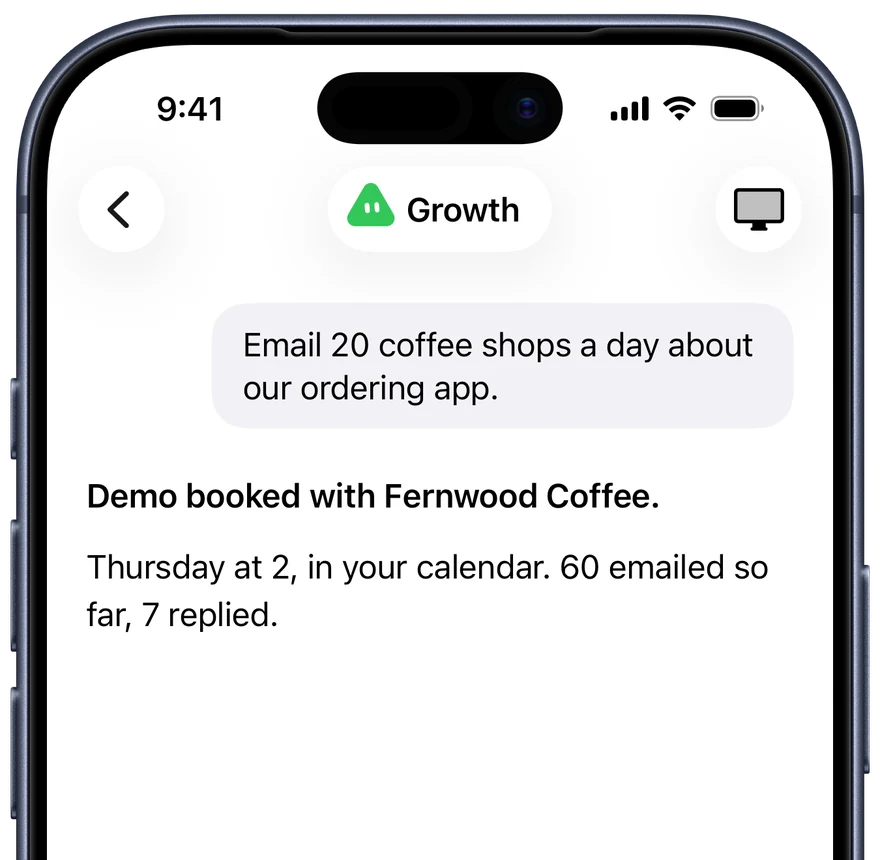

Tell each bot what to do in a message. It does the work and reports back.
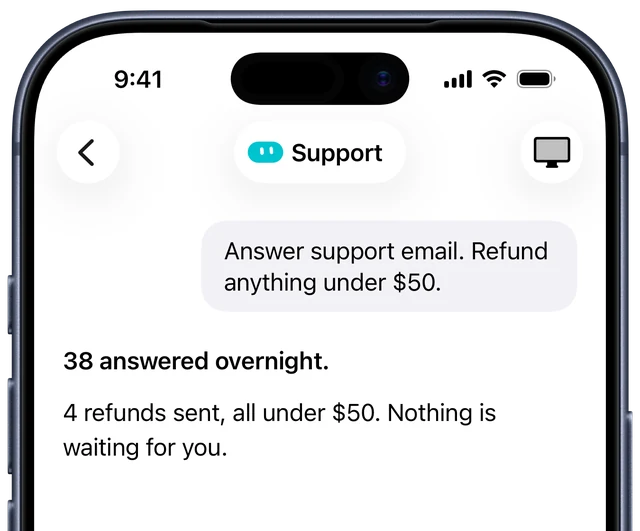
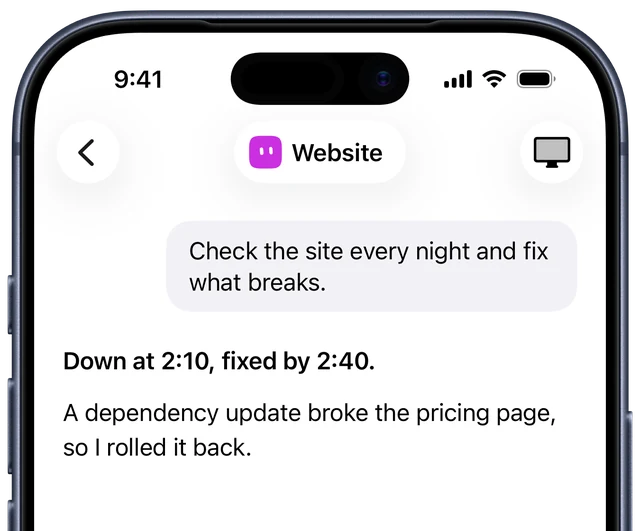
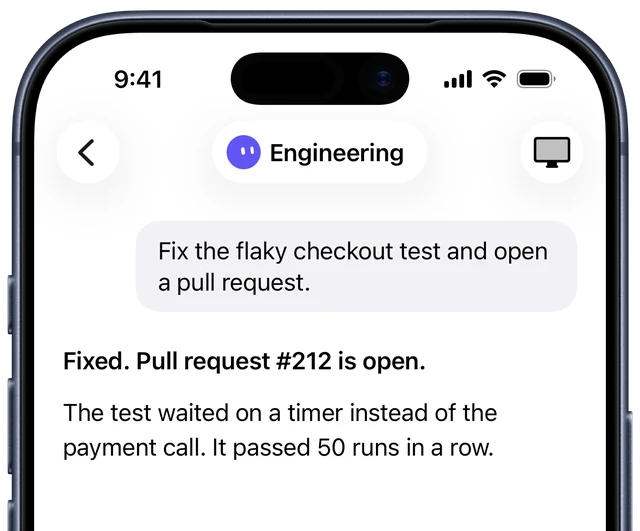
A real browser in the cloud. Watch it work any time.

It runs on the ChatGPT or Claude you already pay for.

Jobs run on schedule, even with your phone off.

Then one monthly plan. Cancel any time.
Your bots work around the clock on a computer in the cloud.
$9.99 a month
Launch price. Regular $19.99.
Your bots work on your own Mac, and you talk to them from your iPhone.
$4.99 a month
Launch price. Regular $9.99.
Both use your own ChatGPT or Claude. Launch prices stay yours while you subscribe; new subscribers pay the regular prices from 1 December 2026.
No. Sign in on your iPhone and your bots work in the cloud. A Mac is optional, for bots that should use the files and apps on it.
Yes. Your bots use the ChatGPT or Claude account you already pay for, with its allowance and the apps connected to it. Omni brings the computer, the schedule and the memory.
They also give bots a computer of their own, but Dots need ChatGPT Pro, from $100 a month, and Grok Bot only runs on Grok. Omni Bot works with the ChatGPT or Claude plan you already have, even a $20 one, and can run both in one team. Compare them.
Your bots, chats and files stay on your own private computer in the cloud. Messages between your iPhone and that computer are encrypted end to end. The AI provider receives what it needs to do the work. Privacy details.
Yes. You choose how much each bot may do without asking, and what it can reach. Start with work you can review, such as drafted replies. AI can make mistakes, so check important work.
Free for 7 days. Also on Mac.